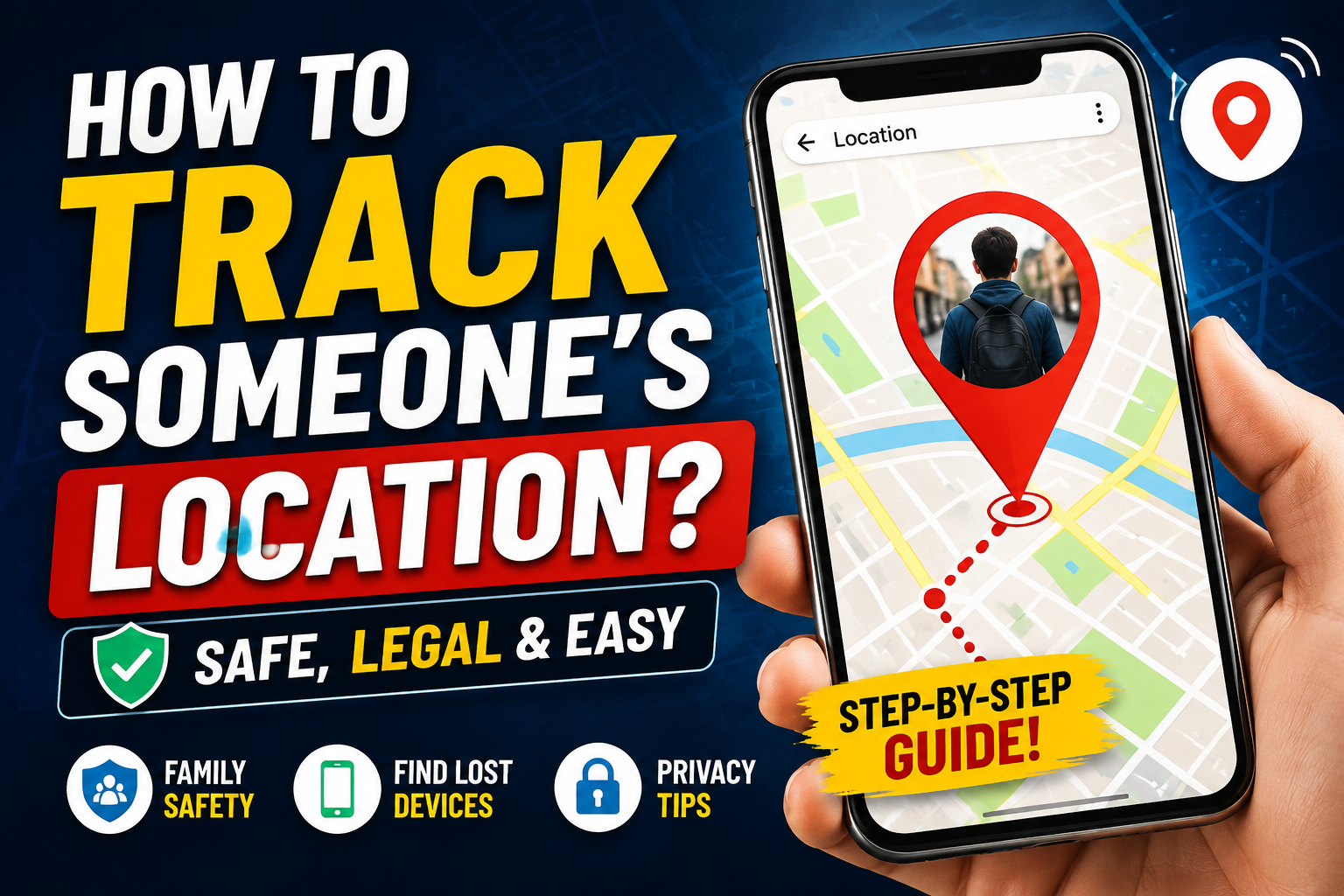

How to Track Someone’s Location? Safe and Legal Methods Explained
Have you ever needed to know where a family member is, find a lost phone, or coordinate with friends in an unfamiliar place? Modern smartphones make location sharing easier than ever—but there is an important line between tracking with permission and secretly monitoring someone.
In this guide, we’ll explain legitimate ways to track someone’s location, the technology behind location services, and how to protect your own privacy.
Is It Legal to Track Someone’s Location?
Before using any location-tracking method, understand the privacy implications. Tracking another person without their knowledge or permission can violate privacy laws and platform policies, depending on your country and circumstances.
The safest approach is to use consent-based location sharing. The person should know that their location is being shared and understand who can access it.
For example, parents may use family-location features with appropriate transparency, while friends can temporarily share their location when meeting somewhere.
How Does Location Tracking Work?
Smartphones can estimate a device’s location using several technologies:
GPS
GPS uses signals from satellites to determine a phone’s geographic position. It can provide highly accurate outdoor positioning and is commonly used by navigation and location-sharing applications.
Wi-Fi and Mobile Networks
When GPS signals are weak, phones can estimate location using nearby Wi-Fi networks and cellular towers. This can be useful indoors, although accuracy may vary.
Bluetooth
Some modern location-finding systems use Bluetooth signals and nearby devices to help locate compatible lost items or devices.
Safe Ways to Share Someone’s Location
1. Use Built-In Location Sharing
Both Android and iPhone devices provide legitimate ways to share location with trusted contacts. The owner of the phone normally has to enable the feature and choose who can see the location.
This is one of the simplest options because it doesn’t require installing questionable third-party tracking software.
2. Use Family Location Features
Families can use dedicated family-safety and location-sharing services to coordinate travel, check arrival status, or locate devices.
However, everyone involved should understand how location sharing works and what information is being collected.
3. Use Location Sharing for Temporary Situations
You don’t necessarily need permanent tracking. If someone is traveling alone, meeting you at an unfamiliar location, or driving a long distance, temporary location sharing can be a practical option.
After the situation is over, the person can stop sharing their location.
How to Find Your Own Lost Phone
If your goal is to locate a missing smartphone rather than monitor another person, use the phone manufacturer’s official device-finding service.
For an Android phone, Google’s device-finding tools can help locate, secure, or manage a lost device when the necessary account and location settings were enabled beforehand.
For an iPhone, Apple’s Find My system can help locate a missing device and may provide options such as marking it as lost.
These tools are designed specifically for legitimate device recovery and are much safer than unknown tracking applications.
What About Tracking Apps?
Be careful with websites and applications that promise to track any phone number instantly or reveal someone’s exact location secretly.
Many such services make exaggerated claims, collect personal information, require unnecessary payments, or expose users to security risks. A phone number alone generally does not give an ordinary person legitimate access to another individual’s real-time GPS location.
Avoid installing software that asks for excessive permissions, requests someone else’s account credentials, or encourages you to bypass security protections.
How to Protect Your Own Location Privacy
Location tracking isn’t only about finding someone else. It’s equally important to know how your own location could be shared.
Review App Permissions
Check which applications have access to your location. If an app doesn’t need location access, consider disabling the permission.
Check Location-Sharing Accounts
Review active location-sharing settings on your phone and accounts. Remove people or services you no longer want to have access.
Avoid Suspicious Tracking Software
Don’t install unknown APKs or applications simply because they promise hidden tracking features. They may contain malware or compromise your personal data.
Final Takeaway
So, how can you track someone’s location? The responsible answer is to use consent-based location sharing, official family-safety features, or legitimate device-finding services. These methods can help families stay connected, friends coordinate safely, and owners recover lost devices without invading someone’s privacy.
Avoid secret tracking tools, spyware, and services claiming they can reveal a person’s exact location from only a phone number. The best location-tracking solution is one that protects both safety and privacy.