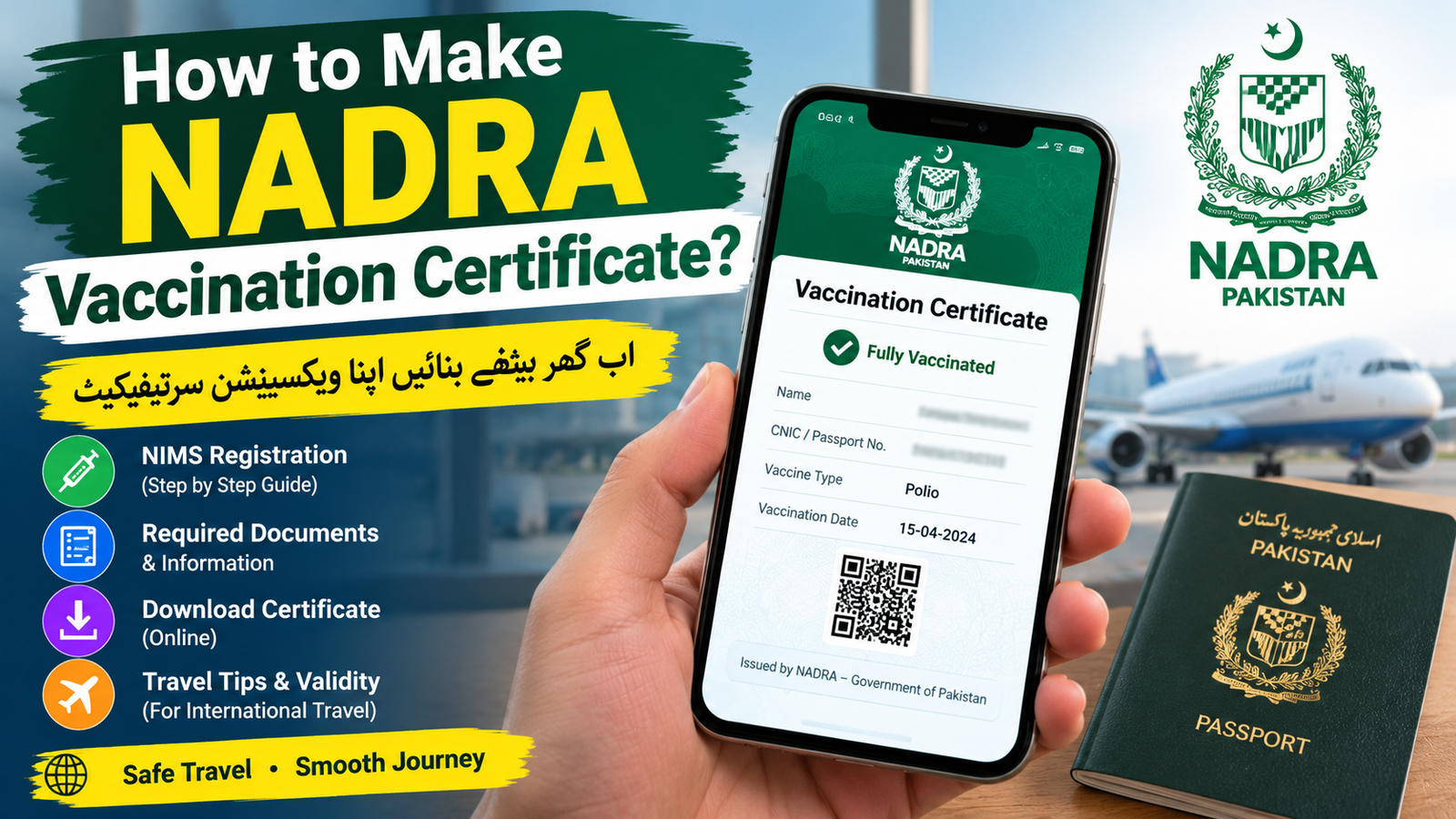

How to Make Nadra Vaccination Certificate?
Meta Description: Learn how to make a NADRA vaccination certificate in Pakistan, including NIMS registration, required details, fees, downloading, and travel tips.
Need a vaccination certificate for international travel and wondering where NADRA fits into the process? The good news is that Pakistan has a digital vaccination certificate system connected with NADRA’s National Immunisation Management System (NIMS). It allows eligible travelers to obtain digital proof of vaccination, particularly for polio and other internationally required vaccines.
Here is a simple, practical guide to getting your NADRA vaccination certificate without unnecessary confusion.
A NADRA vaccination certificate is digital proof that your vaccination has been recorded in Pakistan’s national immunization system. NADRA currently lists the issuance of vaccination certificates for polio, yellow fever, and COVID-19 among its services.
For international travelers leaving Pakistan, the polio vaccination certificate is particularly important. The Pakistan Polio Eradication Programme states that travelers of all ages should receive the required polio vaccination and carry proof when departing the country.
The certificate is generated through NIMS after your vaccination information has been entered into the system.
How to Get a NADRA Vaccination Certificate Online
1. Get Vaccinated at an Authorized Government Facility
First, visit your nearest District Health Office, designated vaccination center, or another authorized government facility.
For a polio certificate, travelers should receive the polio vaccine and make sure their personal information is properly recorded. The official Pakistan Polio Programme recommends receiving the vaccine between four weeks and 12 months before international travel, where applicable.
If your departure is urgent, designated vaccination counters at international airports can also provide vaccination and certification services.
2. Make Sure Your Information Is Entered Correctly
This step is extremely important. Your vaccination record needs to be associated with your correct identity details.
Before leaving the vaccination center, check information such as:
- Full name
- CNIC or relevant identification details
- Date of birth
- Passport information, where applicable
- Vaccine and vaccination date
A spelling mistake or incorrect identification number can cause problems when you try to retrieve your certificate.
3. Access the NIMS Portal or Pak Vaccination Pass
After your vaccination has been recorded, you can use the NIMS portal or the Pak Vaccination Pass app to access your digital vaccination certificate. The official Pakistan Polio Programme specifically directs travelers to these channels for downloading the digital certificate.
NADRA’s official website also confirms that vaccination certificates are among its available services.
4. Enter Your Details and Download the Certificate
Enter the requested information in the NIMS system and follow the instructions to retrieve your vaccination record.
Once your record is successfully located, you can download the digital certificate and save it on your phone. It is also wise to keep a printed copy when traveling internationally.
How Much Does the NADRA Vaccination Certificate Cost?
The official Pakistan Polio Programme currently states that the digital polio vaccination certificate can be downloaded for Rs. 100. The fee is associated with obtaining the digital certificate rather than the vaccination itself.
However, fees and procedures can change, so check the official NIMS/NADRA information before making a payment.
How Long Is a Polio Certificate Valid?
For international travel, the official Pakistan Polio Programme states that the digital polio vaccination certificate is valid for one year.
Keep in mind that individual destination countries may have their own entry requirements. If you’re traveling abroad, check the requirements of your destination and airline before departure.
What If Your Certificate Is Not Showing Online?
If your vaccination record does not appear, don’t immediately assume that you need another vaccination.
First, check that the information you entered matches your vaccination record. If the problem continues, contact the vaccination center where your record was entered or seek assistance through NADRA’s official support channels.
NADRA provides a 24/7 helpline at 1777 for guidance and service-related queries.
Important Tips Before International Travel
To avoid last-minute problems:
- Get vaccinated early rather than waiting until the day of your flight.
- Check your name and identification details before leaving the vaccination center.
- Download the digital certificate once your record becomes available.
- Keep a printed copy with your passport and travel documents.
- Check your destination’s requirements, because vaccination rules can vary.
- Use only official NADRA and government websites. NADRA warns that its official online services operate under the nadra domain.
Conclusion
Getting a NADRA vaccination certificate is relatively straightforward: receive the required vaccination at an authorized facility, ensure your information is correctly entered into NIMS, access the NIMS portal or Pak Vaccination Pass, and download your certificate.
Click here to make Nadra vaccine certificate
For travelers, the most important thing is not to leave this process until the last minute. A correctly recorded vaccination certificate can save you significant hassle at the airport and help ensure that your international journey goes smoothly.