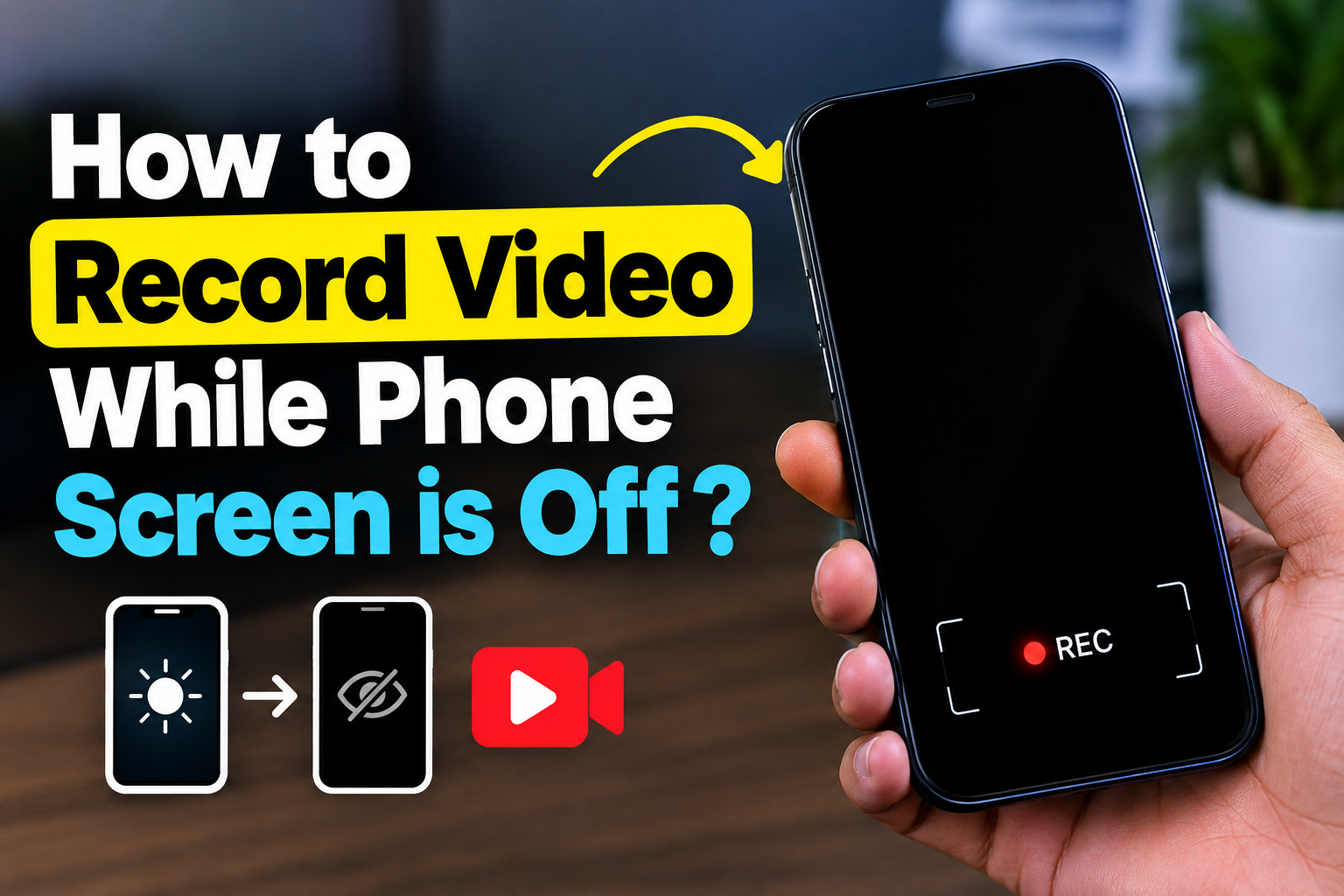

Have you ever wanted to record a video without keeping your phone display bright the entire time? Whether you are trying to save battery, avoid distractions, or record a long event more conveniently, the ability to record video while the phone screen is off can be useful. However, the exact method depends on your phone model, operating system, and camera application.
In this guide, we will explain how background video recording works, what options are available, and the important privacy and security considerations you should understand before using this feature.
Can You Record Video With the Screen Off?
On many smartphones, the standard camera application stops recording when the screen is locked or the display is turned off. This is mainly a security and privacy measure.
Some Android devices or third-party camera applications may support continued recording when the screen is dimmed or the app is running in the background. However, availability varies considerably between Android versions and manufacturers.
Before installing an application, check its description, permissions, developer information, and recent user reviews.
Methods to Record Video With the Screen Off
1. Use Your Phone’s Built-In Camera Features
Some Android manufacturers provide advanced camera or background recording features. Open your Camera app and check settings related to:
- Background recording
- Screen-off recording
- Lock-screen camera controls
- Video recording settings
- Battery optimization
If your device officially supports recording while the display is off, using the built-in feature is generally the safest option.
2. Use a Trusted Camera Application
If your phone does not provide this feature, you may find camera applications that offer background or screen-off recording.
When choosing an app, pay attention to the permissions it requests. A video recorder may reasonably need access to the camera and microphone, but you should be cautious about applications requesting unrelated permissions.
Download applications from reputable sources whenever possible, and avoid modified APK files from unknown websites.
3. Turn the Screen Down Instead of Fully Locking It
Another simple option is reducing the screen brightness to its lowest comfortable level and allowing the display to remain active.
This is not technically the same as recording with the screen completely off, but it can work for situations where you mainly want to reduce battery consumption and screen distraction.
You can also enable your phone’s battery-saving features where appropriate, although some battery-saving modes may restrict background camera activity.
Why Would Someone Want Screen-Off Video Recording?
There are several legitimate reasons for wanting this feature.
Save Battery
A bright display can consume significant battery power during extended recording. Turning the display down or using a supported screen-off recording function may reduce power consumption.
Record Long Events
For lectures, presentations, outdoor activities, or other situations where you need continuous recording, keeping the screen active may be unnecessary.
Reduce Distractions
A dark display allows you to focus on the activity instead of constantly checking the phone screen.
Important Privacy and Legal Considerations
Recording people without their knowledge can create serious privacy issues. Laws regarding audio and video recording vary by country and location.
For example, recording inside a private home, workplace, classroom, or meeting may require permission depending on local laws and circumstances. Audio recording can have additional legal requirements.
Always respect people’s privacy and obtain consent when appropriate. Screen-off recording should not be used to secretly monitor, stalk, or record someone in a private situation.
Tips for Better Video Recording
If you plan to record for an extended period, keep these practical tips in mind:
- Charge your phone first: Long video recordings can drain the battery quickly.
- Free up storage: High-resolution video can consume several gigabytes of storage.
- Check temperature: Continuous camera use can make a phone warm.
- Test beforehand: Record a short sample before starting an important recording.
- Use sufficient lighting: Turning off the display does not improve the camera’s image quality.
- Check microphone settings: Make sure audio recording is enabled if you need sound.
- Use trusted apps: Avoid unknown applications that request excessive permissions.
Conclusion
Recording video while your phone screen is off can be useful for saving battery, reducing distractions, and making long recordings more convenient. However, not every smartphone supports true screen-off recording, and standard camera applications often stop when the device is locked.
The safest approach is to first check whether your phone provides an official background recording feature. If you need a third-party solution, choose a reputable camera application, carefully review its permissions, and keep privacy laws in mind.
Click here to download for IOS Apple
Click here to download for android
Most importantly, use screen-off video recording responsibly. A convenient recording feature should never come at the expense of another person’s privacy or security.