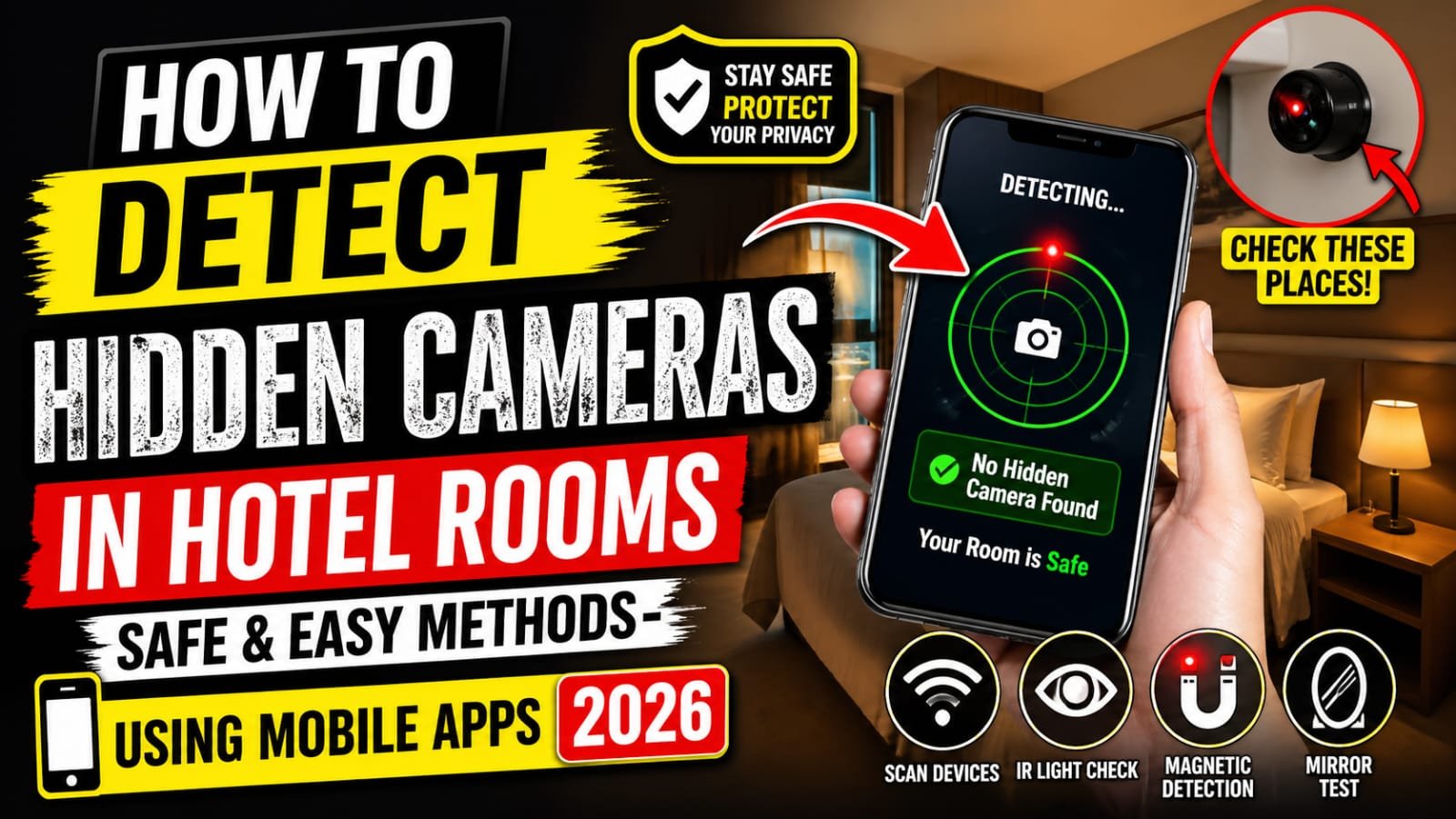

Traveling should feel relaxing, not risky. Yet, with growing concerns about privacy, many people now worry about hidden cameras in hotel rooms. While such cases are rare, knowing how to protect yourself can bring real peace of mind.
This guide explains simple, practical, and effective ways to detect hidden cameras using both manual techniques and mobile apps. You don’t need technical expertise just awareness and a few smart tools.
Why You Should Check for Hidden Cameras
Hidden cameras are often small and cleverly disguised in everyday objects like smoke detectors, clocks, or charging ports. In 2026, technology has made these devices even harder to spot.
Even if the risk is low, taking a few minutes to check your room can:
- Protect your privacy
- Prevent potential misuse of personal footage
- Give you confidence during your stay
Common Places Hidden Cameras Are Found
Before using any tools, it helps to know where to look. Most hidden cameras are placed where they have a clear view of the room.
Key areas to inspect:
- Smoke detectors and fire alarms
- Air vents and AC units
- TV sets and set-top boxes
- Wall decorations and mirrors
- USB chargers or adapters
- Bathroom corners and shower areas
If something looks out of place or oddly positioned, trust your instincts and check it closely.
Manual Methods to Detect Hidden Cameras
You don’t always need apps or gadgets. Some of the simplest methods are surprisingly effective.
1. Turn Off the Lights and Look for LEDs
Hidden cameras often have small LED indicators. Turn off the room lights and scan the area carefully. Look for tiny blinking or steady lights, especially in dark corners.
2. Use Your Phone Flashlight
Shine your phone’s flashlight around the room. Camera lenses reflect light, so you may notice a small, bright reflection coming from a hidden lens.
3. Check Mirrors Carefully
A two-way mirror can sometimes hide a camera. Place your finger on the mirror:
- If there’s a gap between your finger and its reflection, it’s likely a normal mirror.
- If there’s no gap, it could be a two-way mirror.
Using Mobile Apps to Detect Hidden Cameras
Modern smartphones can help you identify suspicious devices quickly.
1. Network Scanning Apps
Apps like Fing or similar network scanners can detect devices connected to the same Wi-Fi network.
How it works:
- Connect to the hotel Wi-Fi
- Open the app
- Scan for unknown devices (look for cameras or unfamiliar names)
If you see suspicious devices, it may be worth investigating further.
2. Infrared Detection Apps
Many hidden cameras use infrared (IR) for night vision.
Steps:
- Turn off the lights
- Open your phone camera or IR detection app
- Scan the room
If you see unusual glowing lights on your screen that aren’t visible to the naked eye, it could indicate an IR camera.
3. Magnetic Field Detector Apps
Some apps can detect electromagnetic fields (EMF), which electronic devices emit.
Move your phone slowly around:
- Walls
- Electronics
- Suspicious objects
A sudden spike may suggest a hidden device nearby.
Extra Safety Tips for Travelers
A few additional habits can make your stay even safer:
- Avoid connecting to unknown USB charging ports
- Cover suspicious holes or lenses with tape
- Unplug unnecessary electronic devices
- Use your mobile hotspot instead of public Wi-Fi when possible
If you find something suspicious, report it immediately to hotel management or local authorities.
Are Hidden Camera Detectors Worth It?
In addition to apps, dedicated RF (radio frequency) detectors are available in the market. These devices are more accurate and can detect wireless signals from hidden cameras.
For frequent travelers, investing in one may be worthwhile. However, for most people, smartphone methods are sufficient when used carefully.
Conclusion: Stay Aware, Not Afraid
The idea of hidden cameras in hotel rooms can feel unsettling, but awareness is your best defense. With a combination of simple manual checks and reliable mobile apps, you can quickly ensure your privacy and safety.