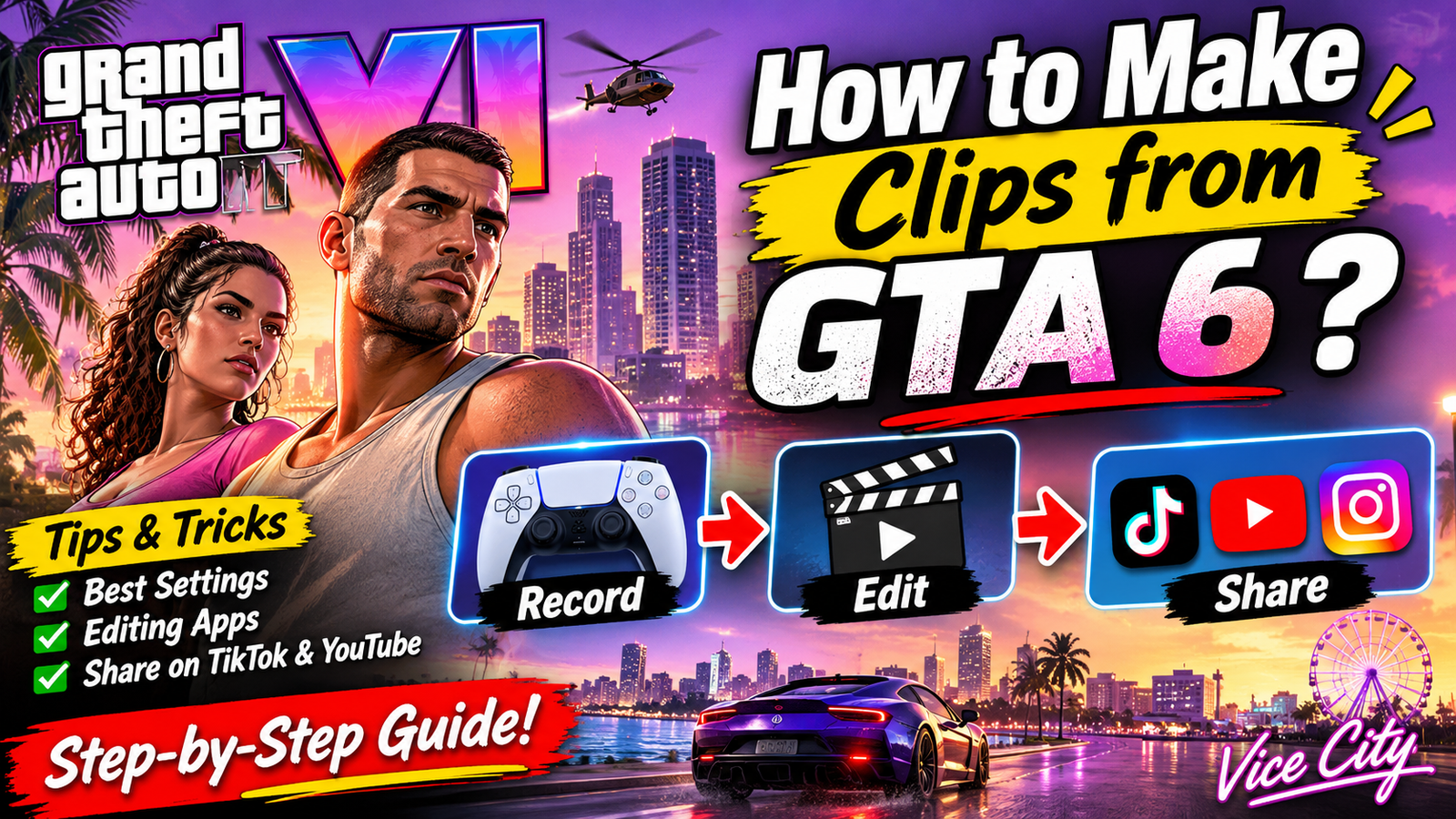

How to Make Clips from GTA 6?
Grand Theft Auto VI is set to bring an incredible open-world experience, filled with exciting car chases, intense missions, hilarious NPC interactions, and unforgettable moments in Vice City. With so much happening in the game, players will naturally want to capture their best moments and share them online.
Whether you want to create viral TikTok videos, YouTube Shorts, Instagram Reels, or simply save your favorite gameplay memories, learning how to make clips from GTA 6 is a great place to start.
The good news is that you don’t need expensive recording equipment to get started. Your gaming console already includes useful recording features, and free editing tools can help transform ordinary gameplay into entertaining videos.
In this guide, we’ll explain how to record GTA 6 gameplay, edit your clips, transfer videos to your phone, and share them on social media.
1. What Do You Need to Make GTA 6 Clips?
Before recording your first GTA 6 clip, make sure you have the basic equipment and software.
Here is what you’ll need:
- Gaming console: A PlayStation 5 or Xbox Series X|S.
- Recording feature: Your console’s built-in gameplay capture system.
- Storage: Enough free space to save gameplay recordings.
- Editing software: CapCut, Share Factory Studio, or another video editor.
- Social media account: TikTok, YouTube, or Instagram for sharing your clips.
Rockstar has announced GTA 6 for PlayStation 5 and Xbox Series X|S, with its release scheduled for November 19, 2026. A PC version has not been announced for launch.
2. How to Record GTA 6 Clips on PS5
If you’re playing GTA 6 on PlayStation 5, you can use the built-in Create button to capture exciting gameplay moments.
Follow these steps:
- Start GTA 6 on your PS5.
- Play normally until something interesting happens.
- Press the Create button on your DualSense controller.
- Select “Save Recent Gameplay.”
- Choose how much previous gameplay you want to save.
- Open Media Gallery to find your recording.
You can also select “Start New Recording” to capture gameplay from that moment onward.
Pro Tip: Set your preferred recording length before playing. This makes it easier to save unexpected moments, such as crazy car crashes, police chases, funny character interactions, and impressive stunts.
3. How to Record GTA 6 Clips on Xbox
Xbox Series X|S players can also capture gameplay without installing additional recording software.
Here’s how:
- Launch GTA 6 on your Xbox.
- Press the Xbox button to open the guide.
- Navigate to Capture & Share.
- Select the appropriate recording option.
- Use “Record what happened” to capture recent gameplay.
- Choose “Start recording” if you want to record upcoming action.
You can also use the controller’s Share button, depending on your controller configuration.
Xbox supports different recording durations depending on your storage location and capture settings.
For longer gameplay sessions, consider using an external storage device.
4. How to Edit GTA 6 Clips for TikTok and YouTube
Recording gameplay is only the first step. Editing makes your GTA 6 clips more entertaining and helps them stand out on social media.
Here are some useful editing applications:
CapCut
<PRIVATE_PERSON> is a popular option for beginners who want to create engaging gaming videos.
You can use it to:
- Add captions and subtitles.
- Include background music.
- Apply slow-motion effects.
- Add transitions and zoom effects.
- Convert horizontal gameplay into vertical videos.
Share Factory Studio
Share Factory Studio is useful for PlayStation players who want to edit recordings directly on their console.
It offers tools for trimming gameplay, combining clips, adding effects, and creating polished videos.
Adobe Premiere Pro
For more advanced editing, Adobe Premiere Pro offers detailed control over transitions, audio, color correction, and video effects.
It is particularly useful for creators planning to produce longer GTA 6 videos.
For TikTok, Instagram Reels, and YouTube Shorts, vertical 1080 × 1920 videos are a good starting point.
Keep the most exciting action near the center of the frame when cropping gameplay.
6. What GTA 6 Moments Should You Turn Into Clips?
Not every recording needs to be a complicated edit. Sometimes, the funniest or most unexpected gameplay moments make the best videos.
Here are some GTA 6 clip ideas:
- Police chases: Capture exciting escapes from Vice City’s police.
- Funny NPC moments: Record unexpected reactions and hilarious interactions.
- Car stunts: Share impressive jumps, drifts, and crashes.
- Mission highlights: Capture exciting gameplay sequences.
- Open-world exploration: Show beautiful locations and interesting discoveries.
- Unexpected moments: Turn glitches and surprising situations into entertaining content.
Try to give each video one clear purpose. A short clip focused on a single exciting moment is often more engaging than a long recording without a clear story.
7. How to Share GTA 6 Clips Online
Once your video is ready, export it and upload it to your preferred platform.
For TikTok, use an interesting caption and relevant hashtags such as #GTA6, #GTAVI, and #GamingClips.
For YouTube Shorts, create an attention-grabbing title that explains what happens in the video.
For Instagram Reels, focus on visually interesting moments and use a short caption to encourage engagement.
Remember to use your own gameplay footage or obtain permission before sharing another creator’s content. Also, check Rockstar’s content-sharing policies and avoid posting leaked or unauthorized material.
Conclusion
Learning how to make clips from GTA 6 doesn’t require professional equipment or advanced editing skills. With the built-in recording features on PS5 and Xbox, you can capture exciting gameplay moments and turn them into entertaining videos.
Click here to make GTA 6 Clips
Start by recording your favorite moments, experiment with editing applications like CapCut, and optimize your videos for TikTok, YouTube Shorts, and Instagram Reels.
Most importantly, focus on creativity and consistency. Whether you’re capturing insane police chases, funny NPC interactions, or incredible driving stunts, your next GTA 6 clip could become your most popular gaming video yet!