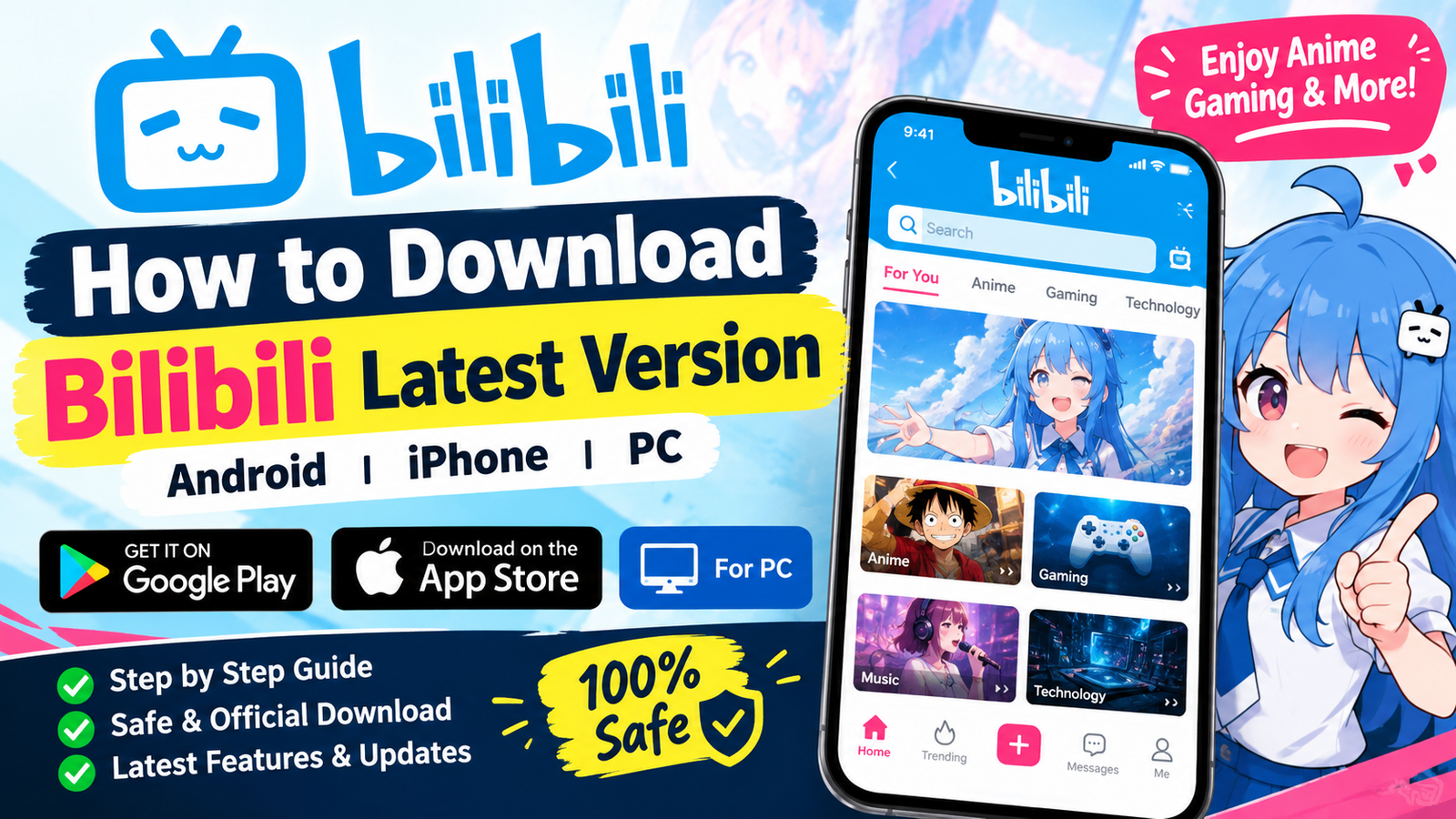

How to Download Bilibili Latest Version on Android, iPhone, and PC
Bilibili is a popular video and entertainment platform known for anime, gaming, technology, music, live streams, and user-generated content. If you want to enjoy the latest features and improvements, keeping the Bilibili app updated is a good idea.
In this guide, we will explain how to download Bilibili latest version safely on Android, iPhone, and PC. We will also discuss the official download methods, installation steps, and a few important safety tips.
What Is Bilibili?
Bilibili is a video-sharing and entertainment platform that offers a wide variety of content, including anime, entertainment, gaming, technology, music, and community videos.
The platform also supports features such as multilingual subtitles and interactive comments. The international version of Bilibili is available through official app stores in supported regions.
How to Download Bilibili Latest Version on Android
The easiest and safest way to install Bilibili on an Android phone is through the Google Play Store.
Method 1: Download Bilibili from Google Play Store
Follow these steps:
- Open the Google Play Store on your Android phone.
- Search for Bilibili.
- Check the developer information and app details carefully.
- Tap Install.
- Wait for the installation to finish.
- Open the app and sign in or create an account if required.
The official Bilibili app is listed on Google Play, where users can check its latest available version and update information.
If the app is already installed on your device, simply tap Update when a newer version becomes available.
How to Update Bilibili to the Latest Version
If you already have Bilibili installed, you usually don’t need to download the app again.
To update it:
- Open Google Play Store.
- Tap your profile icon.
- Select Manage apps & device.
- Find Bilibili under available updates.
- Tap Update.
Keeping the app updated can provide bug fixes, performance improvements, compatibility updates, and new features.
How to Download Bilibili on iPhone
iPhone and iPad users can download Bilibili through the Apple App Store where the application is available.
Steps to Install Bilibili on iOS
- Open the App Store.
- Search for Bilibili.
- Check the app name and developer information.
- Tap Get.
- Confirm the download using Face ID, Touch ID, or your Apple ID.
- Wait for the installation to complete.
- Open Bilibili from your home screen.
App availability can vary depending on your country or region.
How to Download Bilibili for PC
If you want to use Bilibili on a computer, you can access its official website through a modern web browser. Bilibili also provides a download center with desktop-related options.
For the safest experience, use the official Bilibili website rather than downloading unknown software from random websites.
PC Installation Tips
Before installing any desktop application, make sure that:
- You download it from a trusted source.
- Your operating system meets the required specifications.
- Your antivirus and operating system are up to date.
- You avoid modified or unofficial software packages.
Is Bilibili Free to Download?
The Bilibili application can be downloaded for free from supported official app stores. However, some content or features may have their own availability or subscription requirements.
The exact content available to you can also depend on your location and licensing restrictions.
What Are the Benefits of Using the Latest Bilibili Version?
Using the latest version of an application can offer several advantages.
1. Better Performance
New releases may include improvements that help the application run more smoothly on supported devices.
2. Bug Fixes
Developers regularly release updates to address bugs and improve stability.
3. New Features
Updates can introduce new features, interface improvements, and additional functionality.
4. Better Compatibility
An updated application is generally more compatible with newer operating systems and devices.
5. Security Improvements
Application updates can also contain important security and privacy improvements, which is another reason to avoid outdated versions.
What If Bilibili Is Not Available in Your Region?
Bilibili’s availability and content can differ from one country to another. Some users may not see the same application or content because of regional availability and licensing.
If Bilibili is not appearing in your app store, first check the official Bilibili website for information about supported platforms and regions.
Avoid downloading random APK files simply because the application is unavailable in your local store. Unverified files can create unnecessary security and privacy risks.
Is It Safe to Download Bilibili APK?
If you are looking for an Android APK, it is important to be careful about the source.
The safest option is to use the official app store or an official Bilibili download page whenever possible. Avoid modified APKs, cracked versions, or files that promise premium features for free.
Before installing any APK from outside an app store, consider:
- Who published the file?
- Is the download source trustworthy?
- Does the file request unusual permissions?
- Is the application digitally signed by the expected developer?
- Does your security software detect anything suspicious?
If you are unsure about an APK, it is better not to install it.
Common Problems When Installing Bilibili
Bilibili Is Not Showing in Google Play
This can happen because of regional availability, device compatibility, or account settings. Check the official Bilibili website and Google Play listing for current availability.
The Download Is Stuck
Check your internet connection and make sure your phone has enough free storage. Restarting the Play Store can also help in some cases.
The App Cannot Be Installed
Make sure your Android version is compatible and that you have sufficient storage space. If you are installing an APK, verify that the file came from a trustworthy source.
Bilibili Keeps Crashing
Try updating the application first. You can also restart your device, clear the app cache, or reinstall the official version.
Tips for a Safe Bilibili Download
Here are some simple tips to keep your device secure:
- Prefer official app stores.
- Download software only from trusted sources.
- Avoid modified and cracked versions.
- Keep your phone’s operating system updated.
- Review application permissions.
- Don’t disable security features just to install an unknown APK.
- Use a strong password for your Bilibili account.
Frequently Asked Questions
How can I download Bilibili latest version?
You can download the latest available version from the official Bilibili website or supported app stores such as Google Play and the Apple App Store.
Can I download Bilibili on Android?
Yes. Bilibili has an Android application available through Google Play in supported regions.
Can I use Bilibili on PC?
Yes. You can access Bilibili through a web browser, and official desktop download options may also be available depending on your region and operating system.
Is Bilibili free?
The app is free to download in supported regions, although some content or features may require payment or have regional restrictions.
Should I install a modified Bilibili APK?
It is better to avoid modified or cracked APK files. Official versions are generally the safer choice because you can verify their source and receive normal updates.
Final Words
Downloading the Bilibili latest version does not have to be complicated. For Android and iPhone users, the best approach is to check the official app store available in your region. PC users can use the official Bilibili website and download center
click here to download
Always choose a trusted source, keep the application updated, and avoid modified APK files from unknown websites. This can help you enjoy Bilibili’s anime, gaming, entertainment, and community features while keeping your device safer.